News
Please note there may be more than one news release per day, so please scroll down and make sure that you have read ALL the news! :)
| < Next 5 news | Previous 5 news > |
|
That's right, rainbow enigma has now returned to the wishing well! NOW WITH EVEN MORE RAINBOWY GOODNESS! New enigmas have been added, bringing us to a total of 295 enigma patterns! If you have access, all khimeras with the rainbow marking (the actual rainbow marking, not a marking in a rainbow colour) can be brought to the well for a chance to change their rainbow marking a random enigma! You can use the rainbow enigma guide to see thumbnails of all enigma patterns As a reminder, Kai and Tai quests are the gateway to access to the Wishing Well. Once you have reached the gold trophy level, you may randomly receive access to the wishing well. The more rarity points you accumulate after gold level, the greater your chances of being granted well-access. You may then visit at any time, however, Wisu the Draak will not allow you to approach the well unless you bring a wishing penny. Wishing pennies are also randomly available from Kai and Tai once you have gained access to the well! The Enigma Essence and Mini Enigma Essence have also returned to the cash shop!   And a new faenigma sprite may follow you home from the well!  13 Comments |
|
First off, as you may have noticed, Kai and Tai are now serving up retro quests! You can receive any previous quest item that was released at least two years ago when completing a quest!
Secondly, you may have noticed some changes to khimera deco. These changes were necessary to help deal with site lag. There are now simply so many items in deco chests that when the site tries to load up every item in a chest, it is taking up massive server resources. Therefore, we have changed the system so that now, only a single category of deco items loads initially, and thereafter only the categories that a user specifically requests will load. Unfortunately this does mean that you can no longer search your entire chest for an item, only the category you have loaded :c We realize that this is an inconvenience, but we sometimes need to make compromises in order to have a deco system that allows for unlimited items and unlimited layers to be used. If we can think of a site-friendly way to incorporate a "search all" feature at a later date, we'll bring it back. Thirdly, regarding the annual Turn-in event: Turn-in will be postponed this year until we have dealt with as much of the lag as we possibly can. Karos is optimizing scripts to make things run more smoothly, but we're not there yet. Therefore turn-in will start some time in August, but not right at the beginning, or else will start at the beginning of September. During turn-in month this year, you will be able to turn in your monthly treasure pack items, including khimbits that came from monthly treasure packs. We will have an additional month, in February, for turning in foraged and unique khimbits. This is to spread the activities out a bit so we do not have massive site-wide burn-out of users and staff as we have had in previous years ^^; 31 Comments |
|
Lexilou (#18855) is this week's lottery winner(s), taking home 20,800 trinkets! Congratulations!
4 Comments |
|
Luna (#20) is this week's lottery winner(s), taking home 46,800 trinkets! Congratulations!
6 Comments |
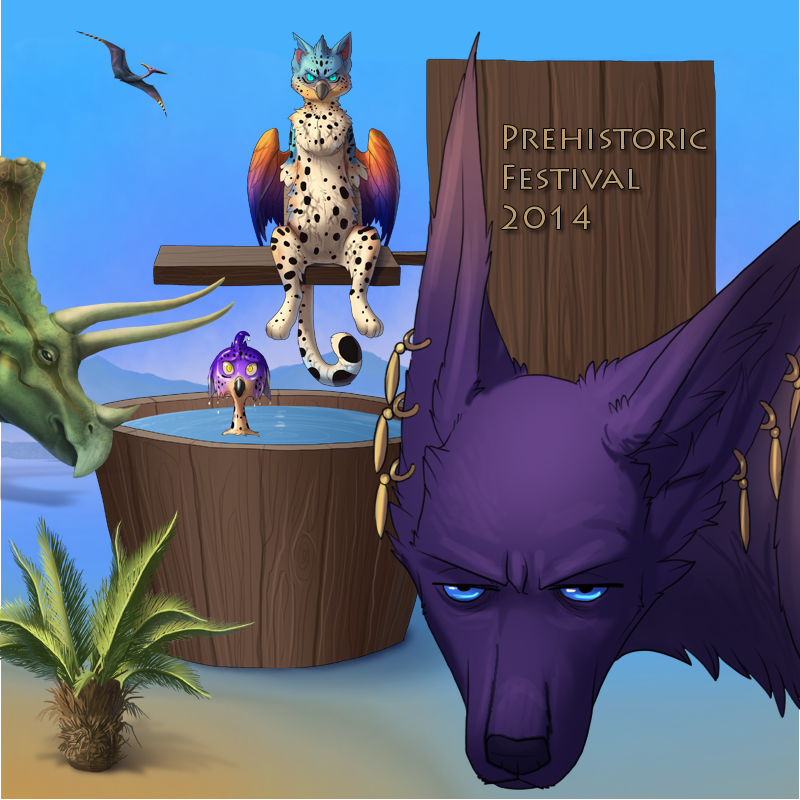 Festival Time!!! We have a fun festival for everyone. If you were around for Retro Month last year, you will remember these games, but this year, the theme is PREHISTORIC! And this year again, Arabasti has gladly volunteered to bring an extra punch of fun and excitement to the party in our first game: Pin the Tail on Arabasti! The goal of this game is to try and reattach Basti's tail (and his dignity), or at least get as close as you can. It won't be easy, of course, but the closer you get the more points you will receive for your effort. If you're lucky you might even win one of these amazing, prehistoric prizes:     Ogria Tree - Green, Ogria Tree - Purple, Ogria Tree - Red, Ogria Tree - Yellow Or, you might receive one of these special tokens:    Prehistoric Token - Bronze, Prehistoric Token - Steel, Prehistoric Token - Platinum These tokens will be used as currency in our Prehistoric Festival event shop. It is important to note, however, that you are not guaranteed to win a prize or a token each time you play; they are handed out randomly, so good luck! You may play Pin the Tail on Arabasti once every fifteen minutes. Of course, Arabasti was fairly insistent that he wasn't going to sacrifice his dignity without a price, and so we are pleased to announce that Kai and Tai have also "volunteered" *cough* to be a part of the festivities! "Dunk the Twins" is the second of our fun Festival games. Once an hour you will have three tries to drop Kai and Tai in the dunk tank by throwing balls at the target. You will receive two points if you manage to dunk both of the twins at once, one point if you can dunk either Kai or Tai alone, and no points if you miss the target. Like Pin the Tail, you can also win Prehistoric Tokens or, if you're lucky, yet more prizes!     Tree Fern I, II, III, and IV Even if you do not receive a prize, you will receive points that are tallied up in a high scores table. There will be trophies and prizes awarded at the end of the event! 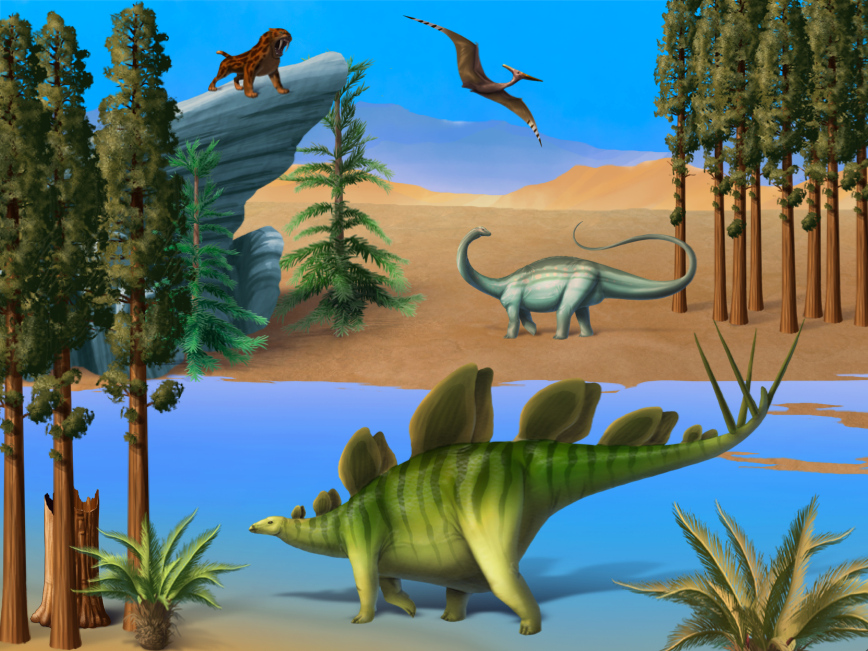 Once you've collected enough tokens you can spend them over at the Festival Event Shop! Some of the available items are shown in the image above. In addition to the Prehistoric Festival games, we are introducing our newest Platinum Khimera base, the RAPTERYX. The token can be purchased in the Cash Shop. The base for the rapteryx can be downloaded HERE. 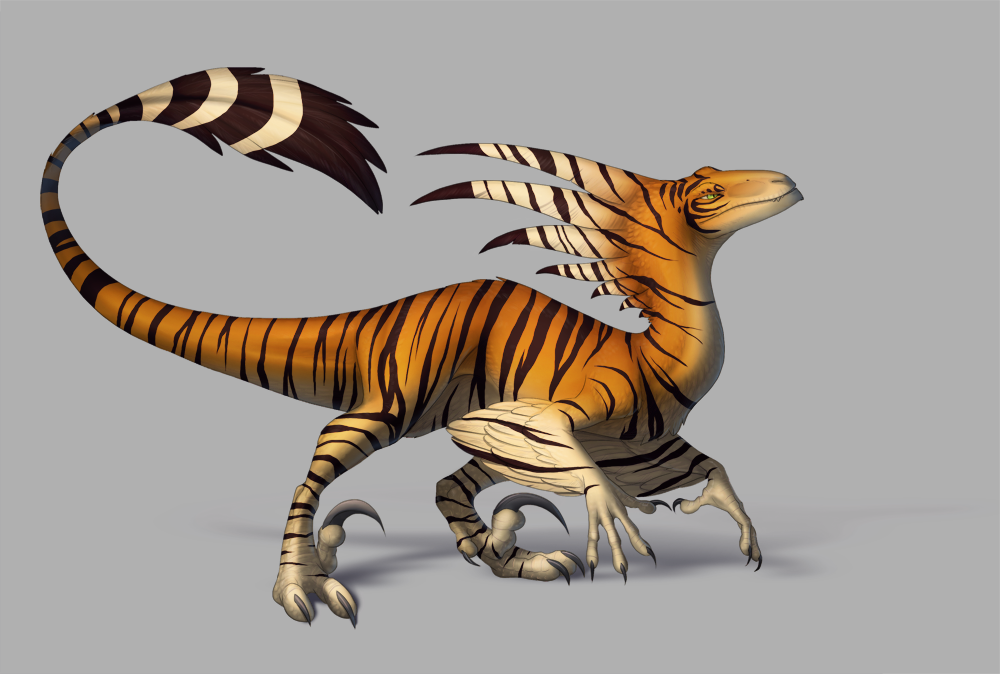 You will also now be able to get the Prehistoric Tokens from dice, quests, and in the foraging areas. 19 Comments |
| < Next 5 news | Previous 5 news > |